
Cocke County Court Record Requests
Know the court before the name. The Cocke TNCRTInfo search lists public Circuit Court and General Sessions cases for the county. It is a partial index, not a document library. Chancery, Probate, and Child Support files go to the Clerk and Master. Newport and Parrottsville municipal matters stay with their municipal clerks. Juvenile access takes direct guidance from the General Sessions and Juvenile office.
Write down the court, filing year, case number, and record label from any result. Then ask about viewing. Can the file be seen at the counter, on a terminal, or supplied as a copy? Published phone, fax, and email contacts help route a request. No countywide rule promises completion by email or fax. Confirm the method first.
- Identify the court and exact document, order, docket sheet, or judgment.
- Search TNCRTInfo when the matter belongs to Circuit or General Sessions.
- Contact the correct clerk before mailing, emailing, or visiting.
- Give the case number, filing date, document type, and desired format.
- Ask for inspection, a plain copy, or a certified and sealed copy.
- Confirm the current charge and approved delivery method.
Cocke Circuit Record Terminal Access
Cocke Circuit's local e-filing rules provide a public access terminal. It sits in the Circuit Court Clerk's office and runs during normal business hours. Think of it as a bridge. It connects a docket entry to electronic documents that never appear as downloadable images on the public search page. The terminal shows public, nonsealed records. The clerk can print available material and apply the governing charge.
The office sits at Cocke County Courthouse, 111 Court Avenue, Room 201, Newport, TN 37821. Call 423-623-6124 first. You can also check the Circuit clerk contact page before travel. Official listings conflict for some Cocke offices. Posted closing hours differ too. One quick call confirms the right counter and terminal access.
Cocke County Circuit Court Clerk
111 Court Avenue, Room 201
Newport, TN 37821
423-623-6124
Kinds of Court Records
A docket or calendar entry is an event record. It may show that a hearing, filing, order, reset, or disposition occurred. The case file is different. It holds the documents the court accepted in the matter. Name the product you want. That keeps a records request from going vague.
- Docket and calendar entries showing settings, filings, orders, and outcomes.
- Case-file pleadings, charging papers, motions, responses, notices, judgments, and orders.
- Financial records for costs, fines, restitution, support, bonds, or garnishments when public.
- Exhibits and evidence, which may remain outside the scanned PDF file.
- Audio or transcripts, which may require a court reporter.
- Older paper or indexed records that may have moved to Records and Archives.
Each clerk holds a different slice. Kristy L. Nease keeps Circuit civil and criminal files, plus lower-court appeals. Brenda Ramsey keeps General Sessions civil, criminal, and traffic. Craig Wild, Clerk and Master, is the route for Chancery, Probate, and Child Support records.
Cocke Court Records Use Three Systems
Three tools run Cocke court records, per the local rules. TnCIS manages cases. Nextgen manages documents and scanned paper. Tybera powers the authenticated e-filing environment. That split explains why a public user finds a case in TNCRTInfo while an authorized filer signs into a different interface.
- TnCIS
- The case-management layer used to track the action and its entries.
- Nextgen
- The local document layer for scanned and electronic papers.
- Tybera eFlex
- The authenticated filing service used under Cocke Circuit rules.
Sending a document does not make it a filed record. Local rules turn on receipt and approval. The transaction receipt only proves transmission. A rejected document is not part of the official record. A corrected submission normally gets a new effective date unless a court orders otherwise.
Court Records: What They Contain
Contents depend on the court and the case type. A public result can name the action. It may still omit the document image. A judge-specific hearing PDF may add setting details without giving the full filing history. When the entry alone is not enough, ask for the underlying public file.
| Case number | The local identifier, such as 15CC1-YYYY-CR-NNNNN in a Circuit criminal example. |
|---|---|
| Docket entries | Filed events, settings, resets, orders, and disposition labels. |
| Pleadings | Complaints, petitions, charging instruments, answers, motions, and responses. |
| Orders and judgments | Signed rulings, final judgments, disposition papers, and notices when public. |
| Service records | Proof of service and electronic filing notices tied to registered users. |
| Exhibits | Attachments or evidence, though physical items may not be downloadable. |
Electronic notices are not permanent archives. Cocke rules let a Notice of Electronic Filing be deleted from an account after 90 days. That is why proof matters. Preserve the receipt or request the filed document.
Rejected Filings Are Not Cocke Records
Sending a filing is not the same as filing it. Cocke Circuit's local e-filing rules draw a sharp line. A transmitted document is not the same as one that entered the official court file. A filing counts as filed only after receipt and approval. The electronic transaction receipt proves transmission, nothing more. So a rejected document does not become an official court record. Sending it before a deadline does not change that.
A corrected document gets a new effective date. It stands unless a court order provides otherwise. That gap can explain why a receipt and the public docket look inconsistent. Ask the Circuit Court Clerk whether the document was accepted, rejected, or refiled. Request the public filed version rather than trusting a submission receipt or rejection notice alone.
Older Cocke County Court Files
Cocke County Records and Archives says it preserves county records from 1877 to the present. Holdings include Chancery, Circuit, General Sessions, and Juvenile series. That makes the archive a strong lead for an old file. Not every old record lives there.
Ask whether the year and series were transferred, indexed under another spelling, restricted, or kept by the original clerk. Records get cleaned, repaired, indexed, and filed there. Temporary disposal follows state schedules under Public Records Commission oversight. A blank portal result does not prove destruction. The file may simply sit elsewhere.
Call the originating clerk first when a current case and archival record share similar names or numbers.
Copy Fees and Certification
A plain copy just reproduces a public record. A certified and sealed copy carries the clerk's formal certification. Certification opens nothing. It will not unseal a file. It will not make confidential content public. Name the exact product you want so the clerk can respond without giving legal advice.
| Item | Published amount |
|---|---|
| Plain copy | $0.50 per page |
| Certification and seal | $6.00 |
| Certified or registered mail | Actual cost |
| Appeal-record preparation | $300.00 |
| Subpoena issued | $10.00 each |
The Cocke Circuit handout lists these copy fees, effective January 1, 2026. The handout sets no separate price for downloading a docket, so ask the clerk whether a printout is billed as a copy and whether paying by card adds a charge. Municipal and General Sessions schedules may differ.
Cocke Court Records and Redaction
When a filing might hold protected identifiers, ask the clerk for the public, redacted version. Cocke County puts redaction duties on the filer. Only limited formats are allowed for Social Security numbers, birth dates, financial accounts, and names of minors. The clerk does not screen every submission. Public access means you get the lawful public copy. It is not permission to rebuild the data that was left out.
Make your request precise. State the court, the case number, and the filing date. Include the document type and the format you want. Ask up front whether the item is sealed, conditionally sealed, confidential by statute, or limited to an authorized participant. Never email full identifiers or drop them into a general form.
Access Rules for Court Records
Tennessee Supreme Court Rule 34 defines court records broadly. It opens most of them to public inspection, subject to exceptions. Sealed documents, unpublished judicial drafts, some internal case-management data, and some deliberative material stay closed. Tennessee's general public-records statutes add their own requirements. They demand a detailed request while preserving confidentiality exceptions. The official Rule 34 page supplies the controlling court-access text.
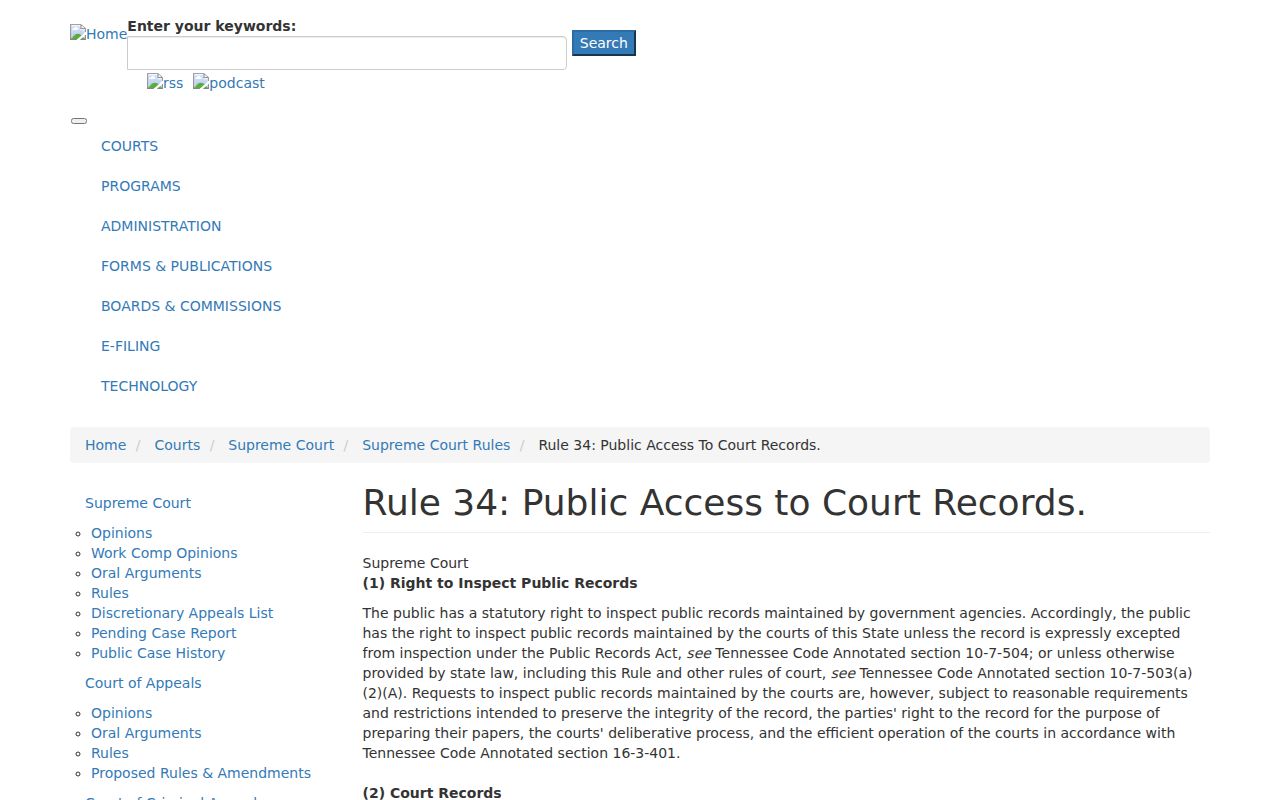
That state framework is why the clerk route changes once a document is sealed or otherwise protected.
Key access rules:
Tennessee Supreme Court Rule 34 sets the judiciary's access framework.
Tennessee Code § 10-7-503 governs inspection and detailed copy requests.
Tennessee Code § 10-7-504 collects confidentiality exceptions.
A search that returns nothing can mean several things. You may have the wrong court, the wrong year, a name mismatch, an old file, a municipal matter, or a restricted case. Only the clerk can say for sure. Start with the county docket search to locate the case, then confirm it with the clerk.
Federal records live in a separate system. The official PACER pricing page explains the charges for federal electronic access.
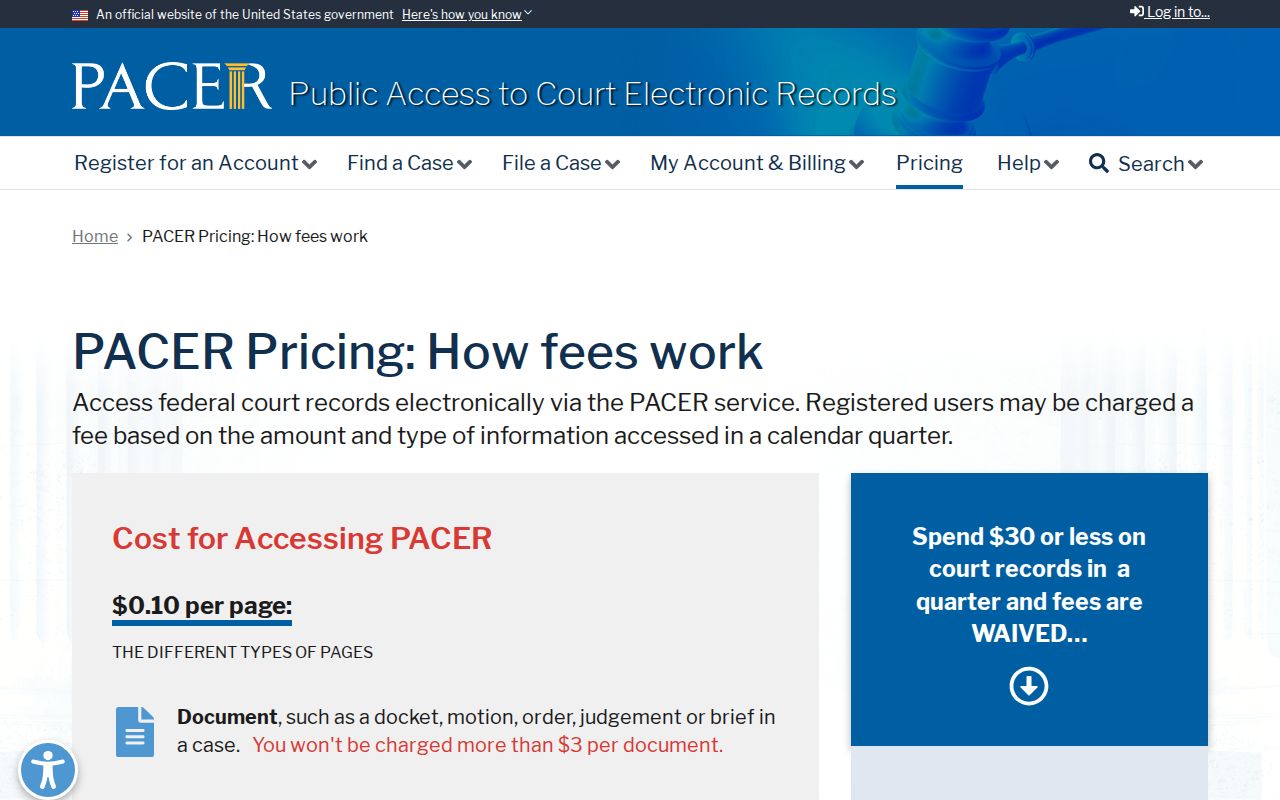
PACER charges and federal files do not govern copies from a Cocke County clerk.